Heilsugæsla höfuðborgarsvæðisins
Requesting an appointment at the health center
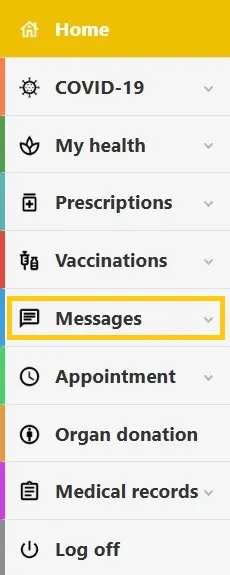
1. My pages on Heilsuvera
Start by opening My pages on Heilsuvera and signing in using electronic identification.
When you have signed in you will see a list.
Select Messages from the list.
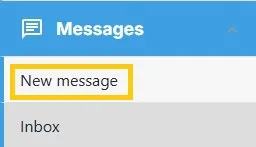
2. New message
After that you have two new options.
Select New message.
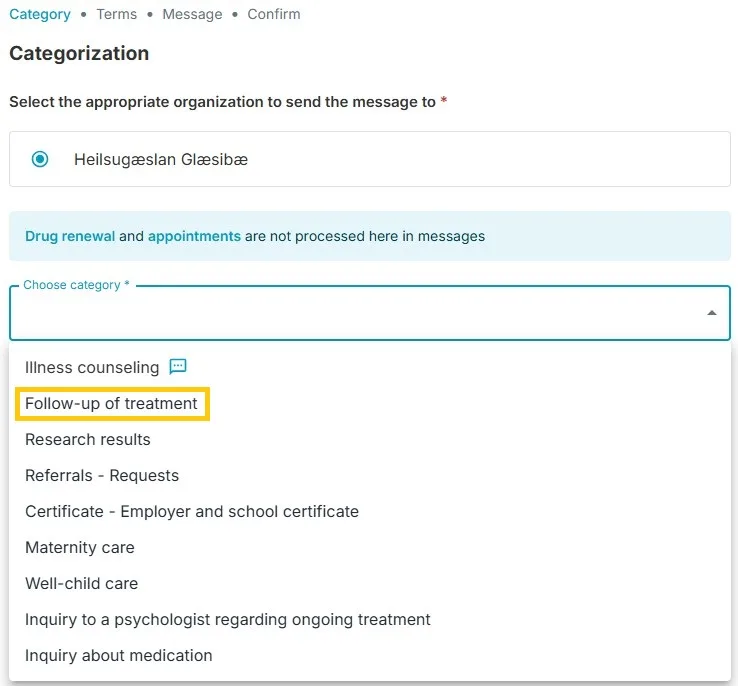
3. Categorization
When you see this interface, select Follow-up of treatment.
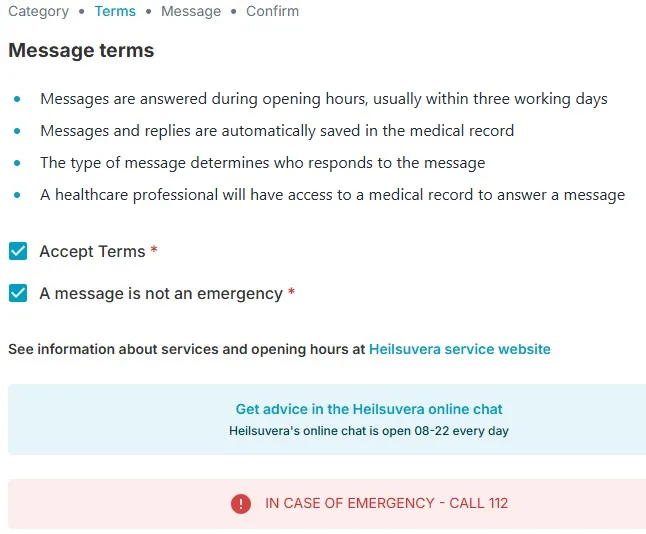
4. Message terms
Please read the information carefully. You need to select both Accept Terms and A message is not an emergency.
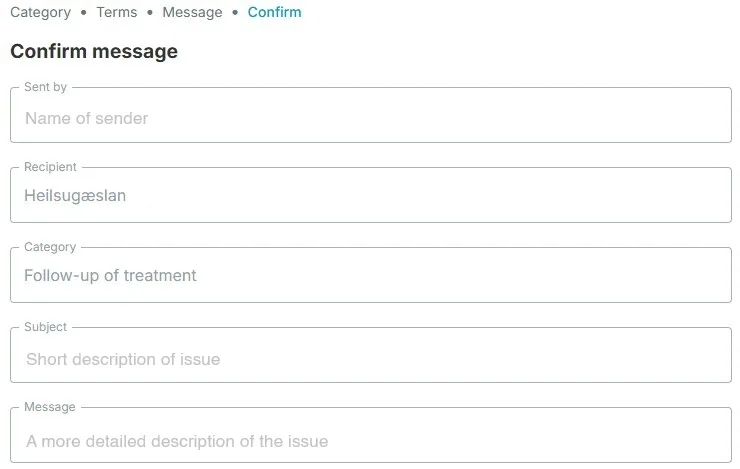
5. Message subject
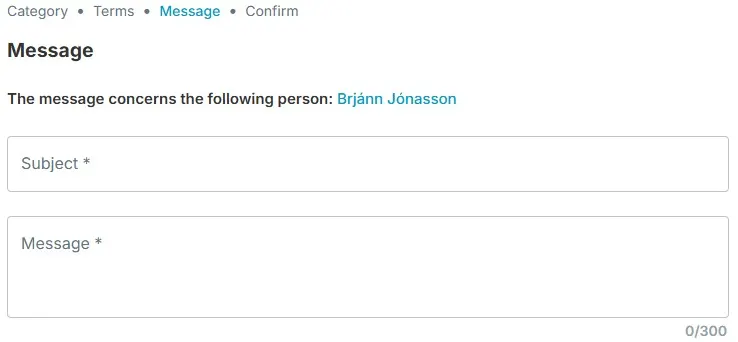
In the Subject text box write a short description of the issue you want to make an appointment for.
In the Message text box write more details about the issue. You have up to 300 characters.
6. Send
The last step is to confirm that the content of the message is correct and hit send.
We will then receive the message and deal with your request.