Service web for web masters: Overview of actions
Slice Dropdown in Article
You can add a drop-down list to an article.
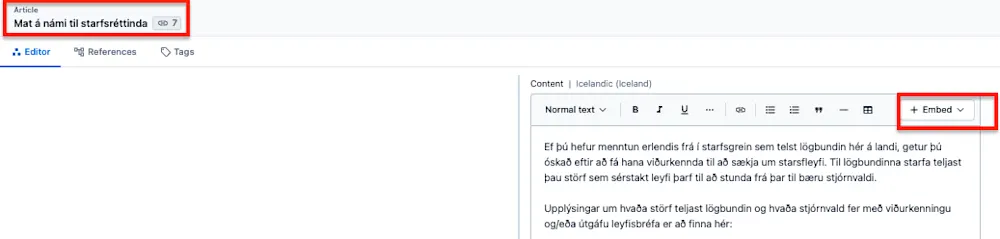
Start opening the article that the drop-down list should go to and enter it in the Content field.
There you can choose Embed - Create New Entry and Slice Dropdown.
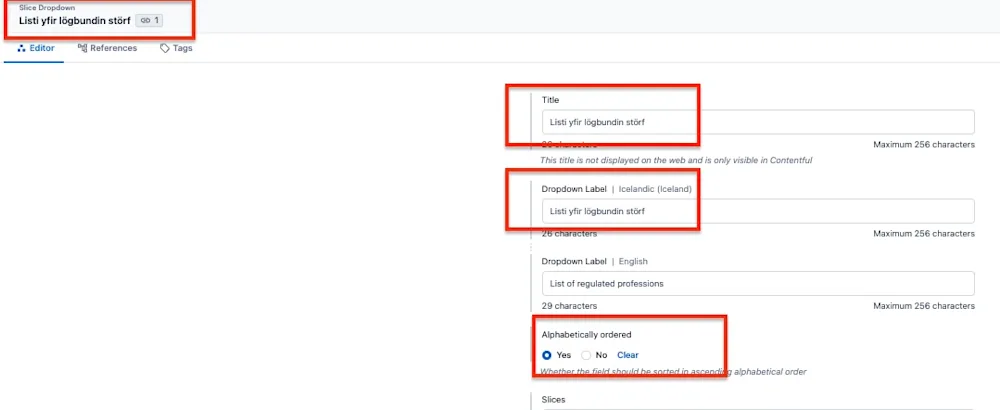
In Slice Dropdown, the list is given a name, and you can choose whether you want the "slices" or content to be ranked in alphabetical order or not.
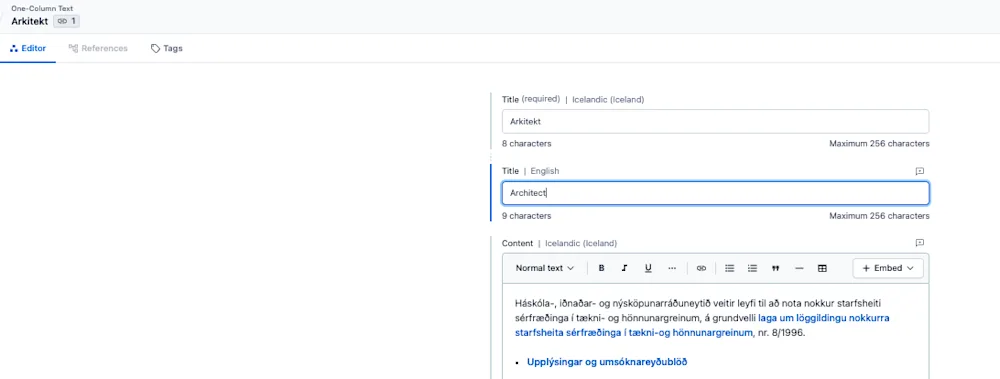
In the slices field, go to Add content and select One-Column Text and fill in the fields for all the slices.
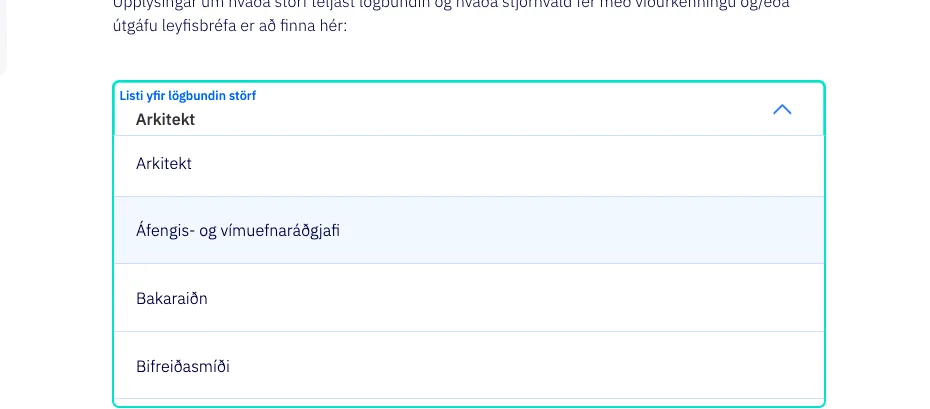
Then the list should appear like this in the article
Service web for web masters
Ertu með ábendingu eða spurningu?